
CRM definition
What is CRM? Customer relationship management software
CRM stands for customer relationship management. In practice it is the strategy, process and software that keep every interaction with leads and customers — from first touch to won deal and after-sales work — in one shared record, so sales does not depend on memory, group chat or a spreadsheet.
A simple definition of CRM
CRM is both a way of working and a product. The approach is that customer relationships are managed — not stored in private notebooks, WhatsApp threads and personal spreadsheets. The product is the shared system that records, reminds, shares and measures that work.
Customer relationship management software is more than a digital address book. It keeps the path from first message, web form or inbound call through proposal, deal, invoice and support in one continuous line.
Industry definitions agree on the same idea: CRM combines the practices, strategies and technologies companies use to manage and analyze customer interactions and data throughout the customer lifecycle — to improve relationships, retain customers and grow sales.
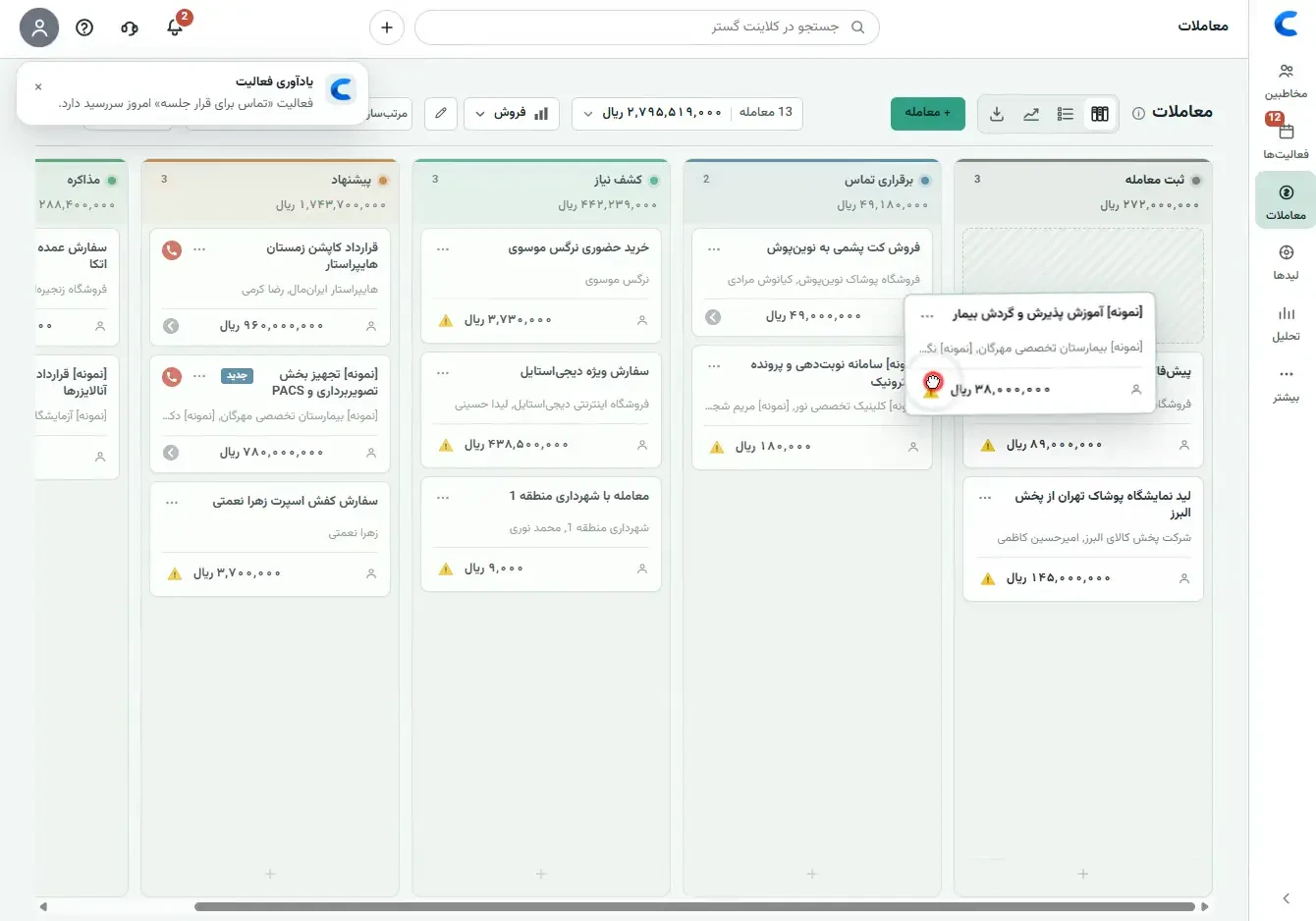
What problem does CRM solve?
A large share of sales still lives in Excel, paper, chat apps and people’s heads. Follow-ups get forgotten, customers get duplicate calls, lead sources stay unclear, and when a rep leaves part of the relationship leaves too.
CRM software gathers that scatter. Before the next call you can see the last conversation, the proposal that was sent, which stage the deal is in and when the next step is due. Managers use the same data for reporting and forecast — not end-of-month guesses.
- Leads do not disappear in group chat or private messages.
- Customer history stays with the team.
- Managers see where the pipeline is stuck and which deals have no next action.
- Sales reports, conversion and team activity come from live records.
- A promised follow-up becomes a scheduled activity, not a scattered note.
CRM vs spreadsheets, ERP and loyalty tools
Many “what is CRM” searches are really asking what this tool replaces. Short answer: CRM replaces the customer notebook and sales follow-up system. It does not replace accounting, inventory or a loyalty club.
- Spreadsheets: fine for a short list and one owner; they break with concurrent users, conversation history, reminders and role-based access.
- ERP / accounting: focused on orders, stock, finance and documents. CRM focuses on relationships, leads, deals and follow-up — and can connect to accounting later.
- Loyalty / club programs: points and repeat purchase. CRM manages calls, meetings, proposals and deals.
- Marketing automation: campaigns, segments and nurture. CRM holds the relationship record and the next sales or service action; the two often complement each other.
The customer lifecycle in CRM
CRM is not only for “current customers”. Its real value is covering the whole relationship path: acquisition, qualification, selling, delivery/onboarding, service and renewal or expansion.
If you only store contacts and never define a next step, CRM becomes an archive. If every stage has an owner, an action and a metric, the same system becomes a growth tool.
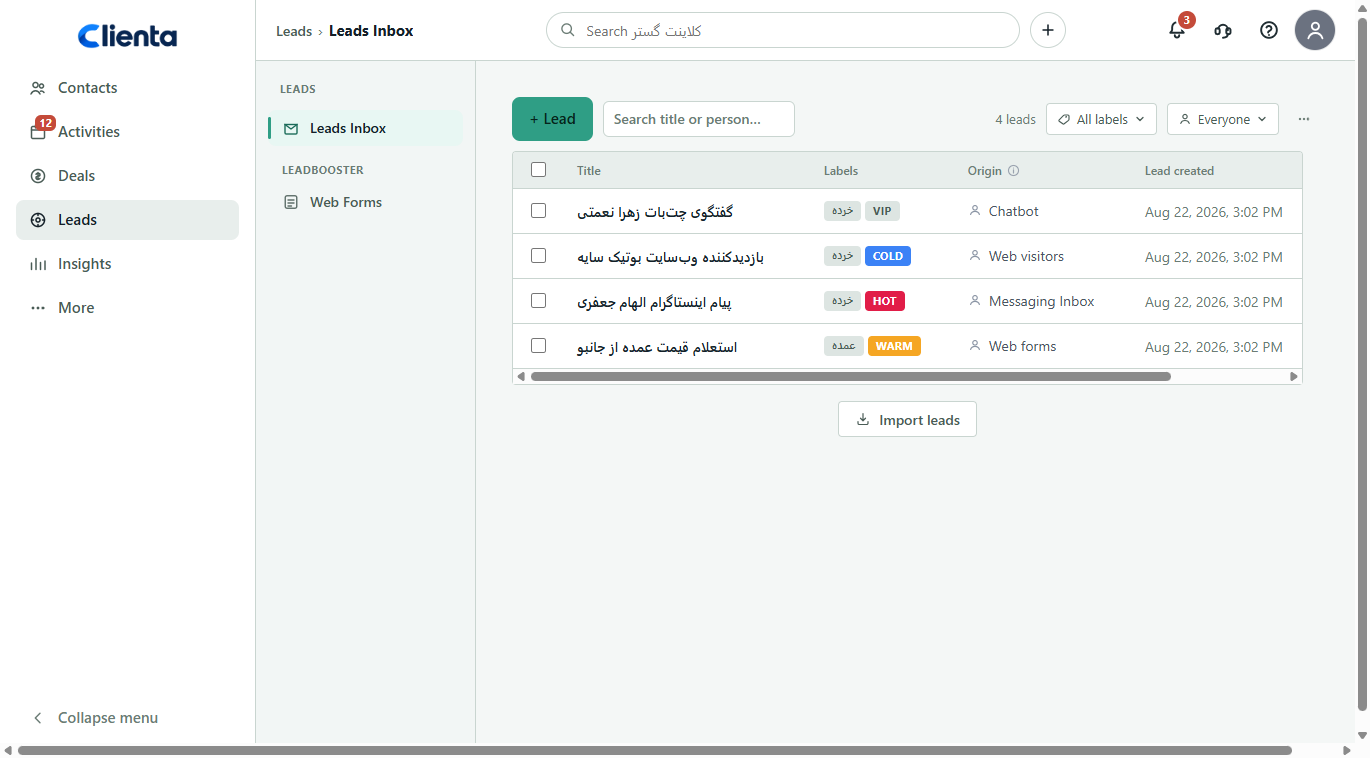
- Acquire: leads enter an inbox from forms, ads, referrals or calls.
- Qualify: decide whether the opportunity is real or needs nurture.
- Sell: deals move on the pipeline; calls, meetings and proposals are logged.
- After the sale: invoices, delivery projects or service tickets stay on the same record.
- Retain and grow: renewals, upsells and satisfaction are tracked from real history.
Core parts of a CRM system
Serious CRM software shares a core: people and companies, leads, deals, activities (calls, meetings, tasks) and reporting. Everything else — automation, mobile, role access, web forms and accounting connectors — sits on that core.
If you buy from a hundred-feature checklist and ignore the core, you usually end up with a busy tool nobody uses. Get these five parts right first.
- Customer records: name, company, source, owner and your own fields.
- Sales pipeline: stages from qualified lead to won or lost, with value and probability.
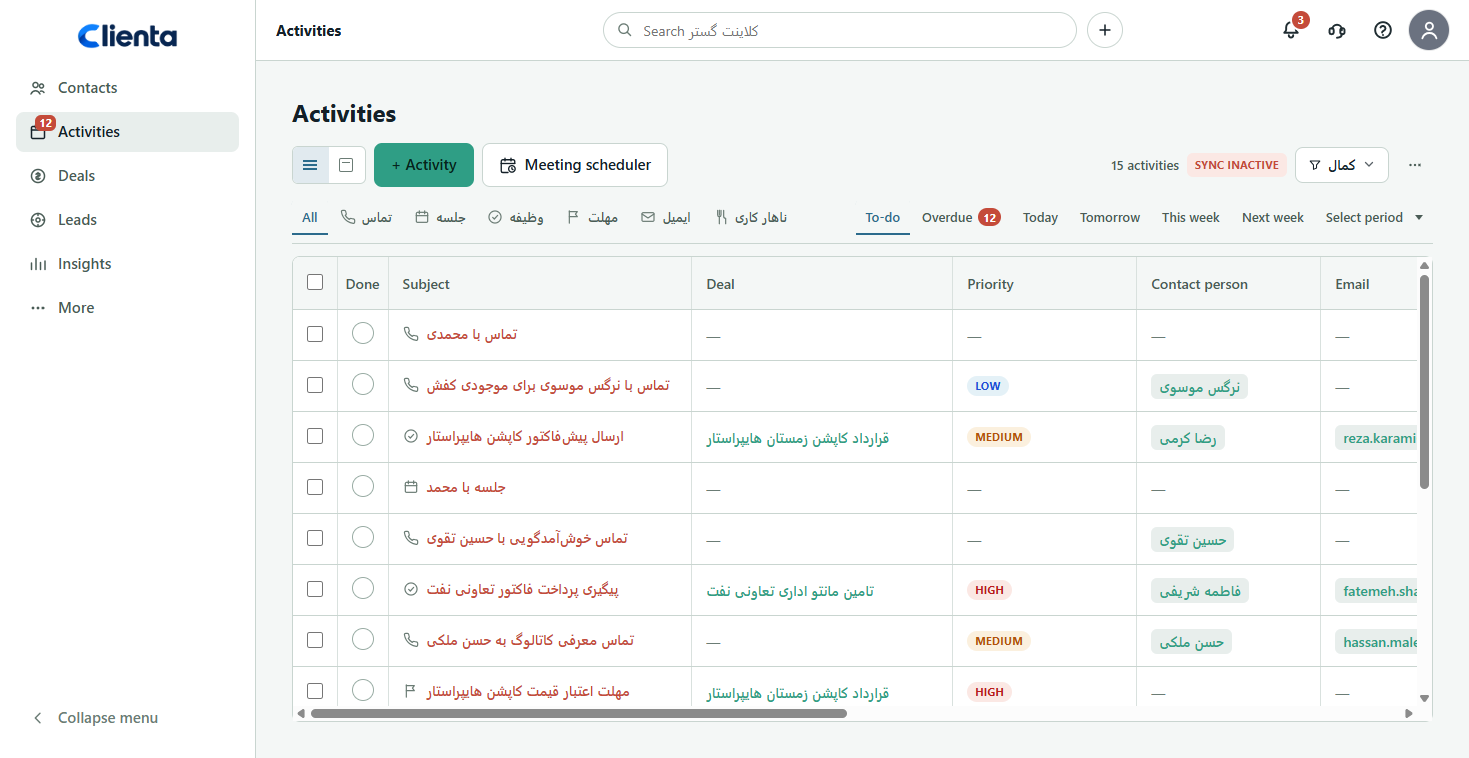
- Activities: what a rep should do today — calls, meetings, tasks and follow-up dates.
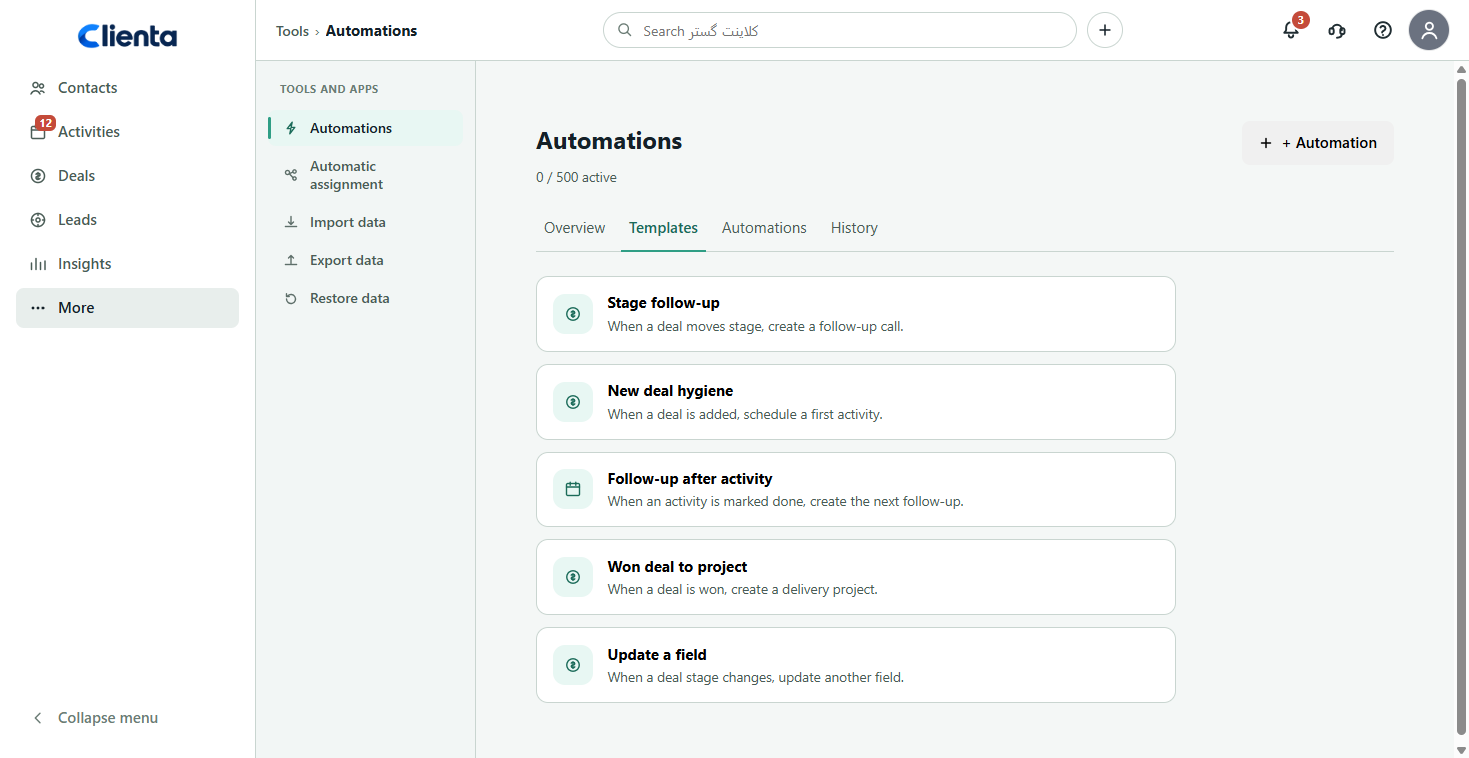
- Automation: the next follow-up or field update without a manual checklist.
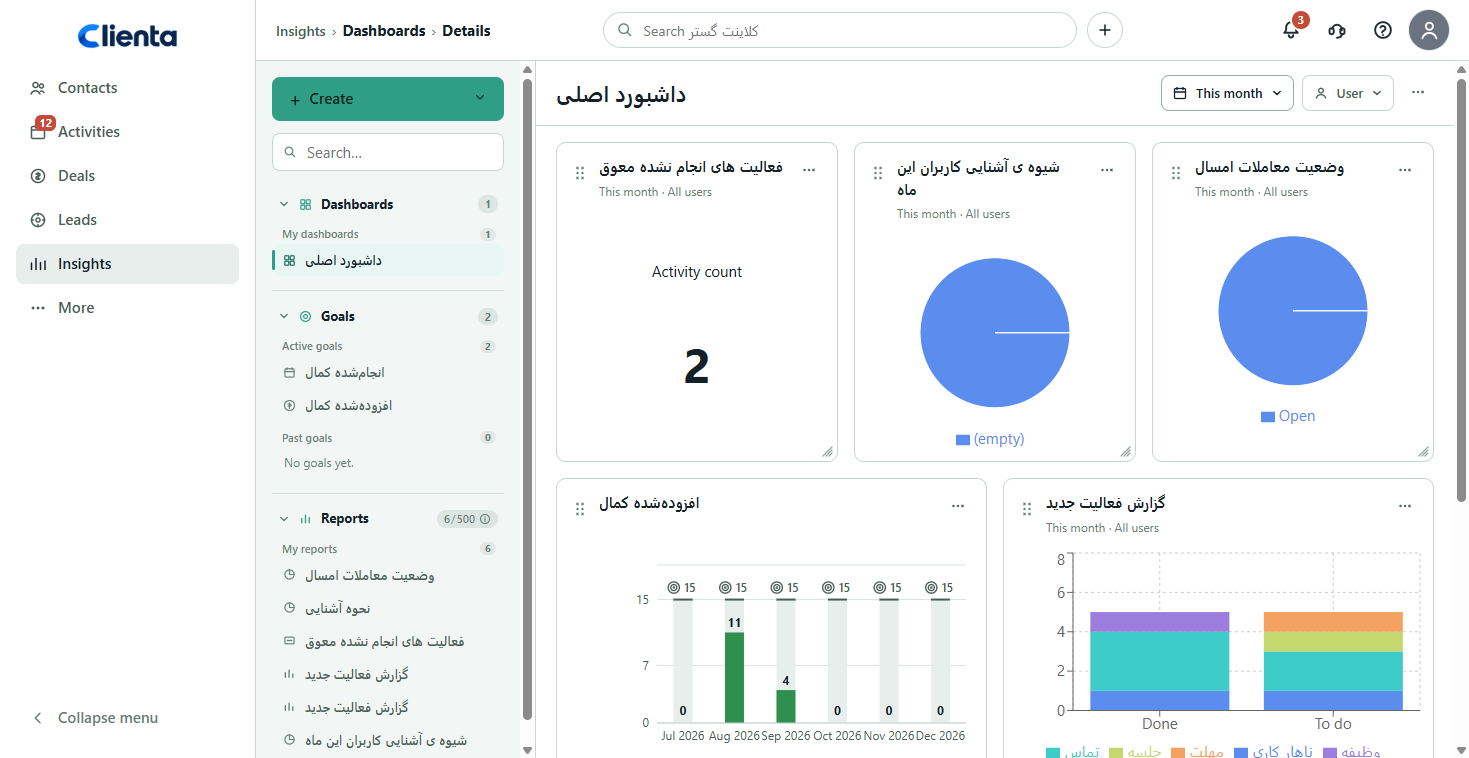
- Reports and dashboards: visibility into pipeline, team activity and sales trends.
- Access: each role sees the data their job needs.
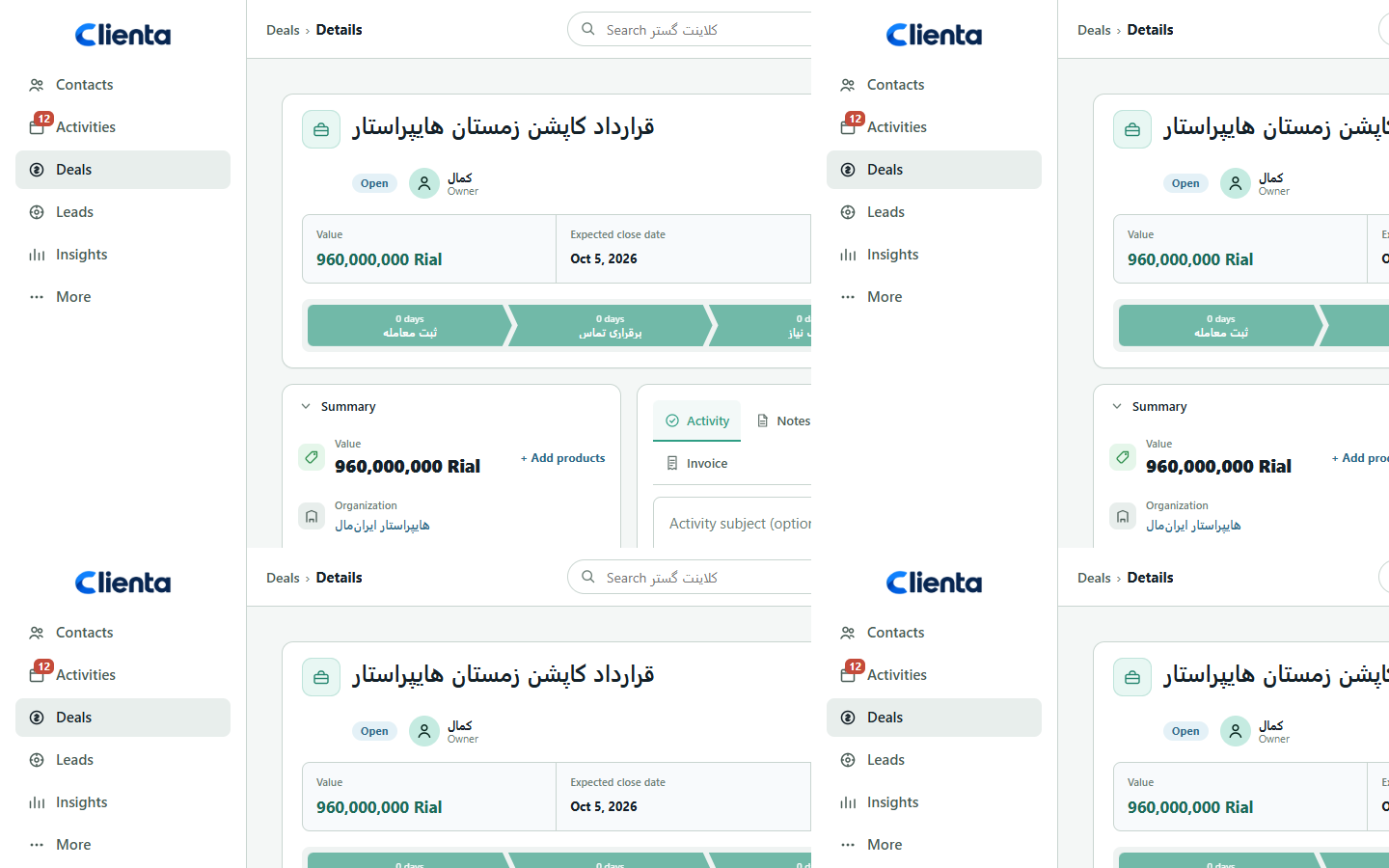
CRM for sales, marketing and service
CRM is not only a salesperson’s tool. Every customer-facing team benefits from the same shared record. The daily question changes; the underlying data does not.
- Sales: who should I talk to today? Which deal has no next action? How much value is in the pipeline?
- Marketing: which lead source converts best? Which segment should the next campaign hit?
- Service and success: what did this customer buy, what was promised, and which ticket is open?
- Leadership: conversion, workload and forecast from live pipeline data — not a hand-built report.
Who needs CRM software?
If you have a handful of steady customers and one person knows everything, a spreadsheet may still be enough. When lead volume rises, several people sell at once, or a manager needs a shared view, CRM becomes necessary.
B2B teams with multi-stage cycles, service businesses with appointments and contracts, startups that cannot afford to lose early leads, and companies with field sales get the most value.
- More than one person works sales or customer follow-up.
- Leads arrive from the website, ads, events or referrals in volume.
- You need to see where the pipeline stalls and trust the forecast.
- Reps work outside the office and must log work immediately.
- You want sales connected later to accounting (for example Sepidar or Hesabfa).
What daily work in a CRM looks like
CRM only pays off when it becomes a daily habit, not a one-off data import. The healthy pattern is simple: log the lead or deal, schedule the next step, write the call outcome, and move the stage to match reality.
If data is only entered at the end of the week, reports lie and the team drifts back to spreadsheets. The best CRM is the one that gives a rep enough context before the next call.
- Morning: today’s and overdue activities.
- On a call: open the customer record and log the outcome.
- After a meeting: update the deal stage and set the next action.
- End of day: no active deal without a next step.
- Weekly: review the pipeline, bottlenecks and stalled deals.
Mobile CRM and field work
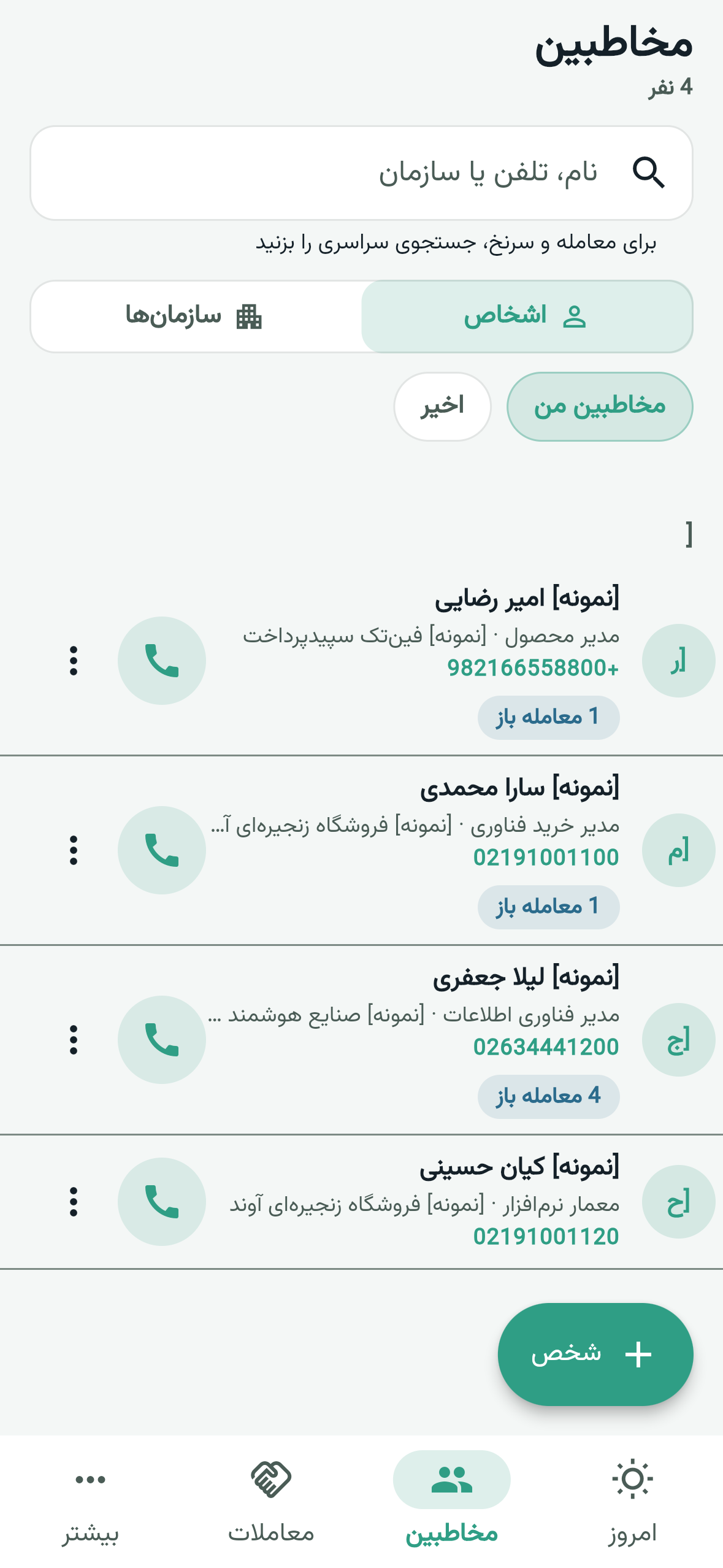
A large share of the customer relationship happens away from a desk: in-person meetings, calls on the road, site visits. If logging waits until someone returns to the office, much of the history is never written.
A mobile CRM app means the same contacts, deals and activities are available on the phone so a call, note and next step land on the record immediately.
What local teams usually need
CRM searches in this market usually include native language and support, pricing that fits small and mid-size teams, SMS, local calendar and number formats, and a connection to accounting such as Sepidar or Hesabfa. A global product can be strong and still fail those daily constraints.
Clienta is built for that reality: a cloud sales CRM for teams that want reliable follow-up, mobile work and a path from sales into finance — without a heavy implementation program and without depending on individual memory.
What CRM is not
CRM is not accounting, not a content engine, and not a magic revenue lift on its own. If the sales process is undefined, software only records the mess faster.
It is also not “AI that magically brings customers”. Clean data, real stages and a logging habit are prerequisites for every report and automation that follows. Write the stages first, then put the tool on those stages.
How to get started with CRM
You do not need a multi-month project to begin. Pick a one-sentence goal (for example “no lead without a follow-up”), write a simple pipeline, avoid dumping dirty data all at once, and run a live pilot with a small team.
Do not measure success by login count. Measure fewer missed follow-ups, complete records and real movement of deals on the pipeline. When you are ready, try Clienta free for 14 days with your own data.
- Write one clear goal for the first 90 days.
- Define 3–7 real sales stages — not twenty decorative columns.
- Make only essential fields required so logging stays easy.
- Pilot with real deals, not meaningless sample data.
- Set a rule: an active deal without a next action is not allowed.