Why teams buy CRM
Benefits of CRM software — from follow-up to growth
The real benefits of CRM software are not “going digital”. They are follow-up you can trust, customer history that does not leave with a person, one shared story of the customer across the team, and a pipeline a manager can see — not end-of-month guesses. This page explains CRM advantages in practical language for sales, marketing, service and leadership — the same questions people ask when they search “benefits of CRM” or “why buy a CRM”.
CRM benefits at a glance
Short on time? These are the benefits sales teams most often feel once CRM becomes daily habit. The rest of the page unpacks each one with day-to-day examples and real product screenshots.
- Follow-ups and leads stop disappearing — the next call lives in the system, not in someone’s head.
- Conversion and sales speed improve because priorities and deal stages are visible.
- A 360° customer view makes sales and service feel consistent to the buyer.
- Team coordination: every deal has an owner, so duplicate or forgotten calls drop.
- Decisions from data: pipeline reports, lead sources and team activity replace guesswork.
- Automation cuts repetitive admin so saved time goes back to customer conversations.
- Sales knowledge stays in the company when someone is out or leaves.
Higher sales and conversion
The first question leaders ask is: “Will CRM grow revenue?” Short answer: it is not magic on its own, but it plugs pipeline leaks. When leads stay in an inbox, get qualified and become deals, acquisition spend is not wasted.
A rep who sees history and stage before a call makes a sharper offer and shortens the cycle. Measurable results usually show up in stage conversion, lead response time and deals without a next step — not in a vague “more sales” slogan.
- Warm leads reach a first call faster.
- Deals without a next step stop stalling in the pipeline.
- High-performing lead sources separate from noisy ones.
- Proposals and follow-ups stay on the same customer record.
Follow-ups stop disappearing
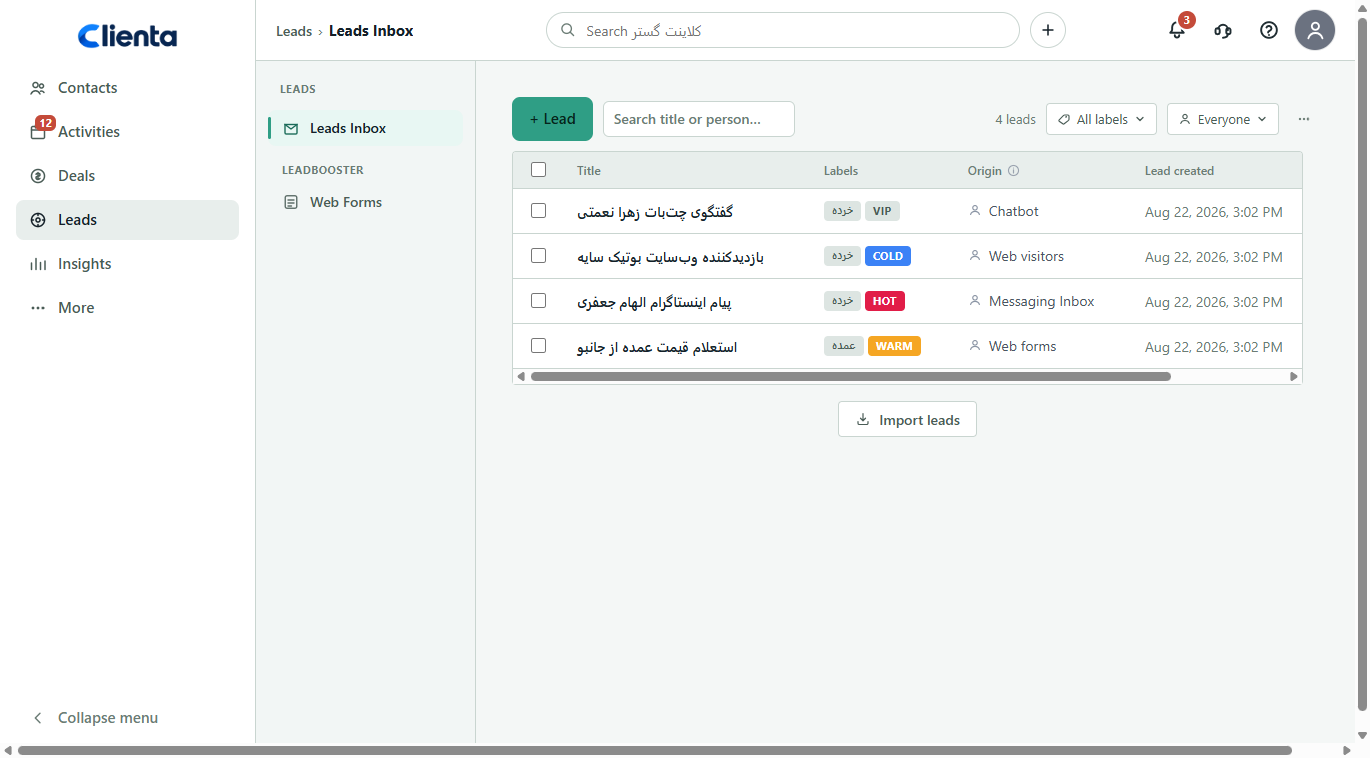
Most pipeline leakage is not a weak offer — it is a forgotten next call. CRM uses activities, reminders and deal stages to show who you should talk to today and where the call outcome is logged.
When follow-up lives in the system, leave, a packed calendar or a departure does not take the relationship with it. Customers also stop repeating their story for every new person.
- Today’s work and overdue follow-ups in one place.
- “I’ll call tomorrow” becomes a scheduled activity.
- Managers spot still deals before the opportunity goes cold.
Pipeline visibility and revenue forecast
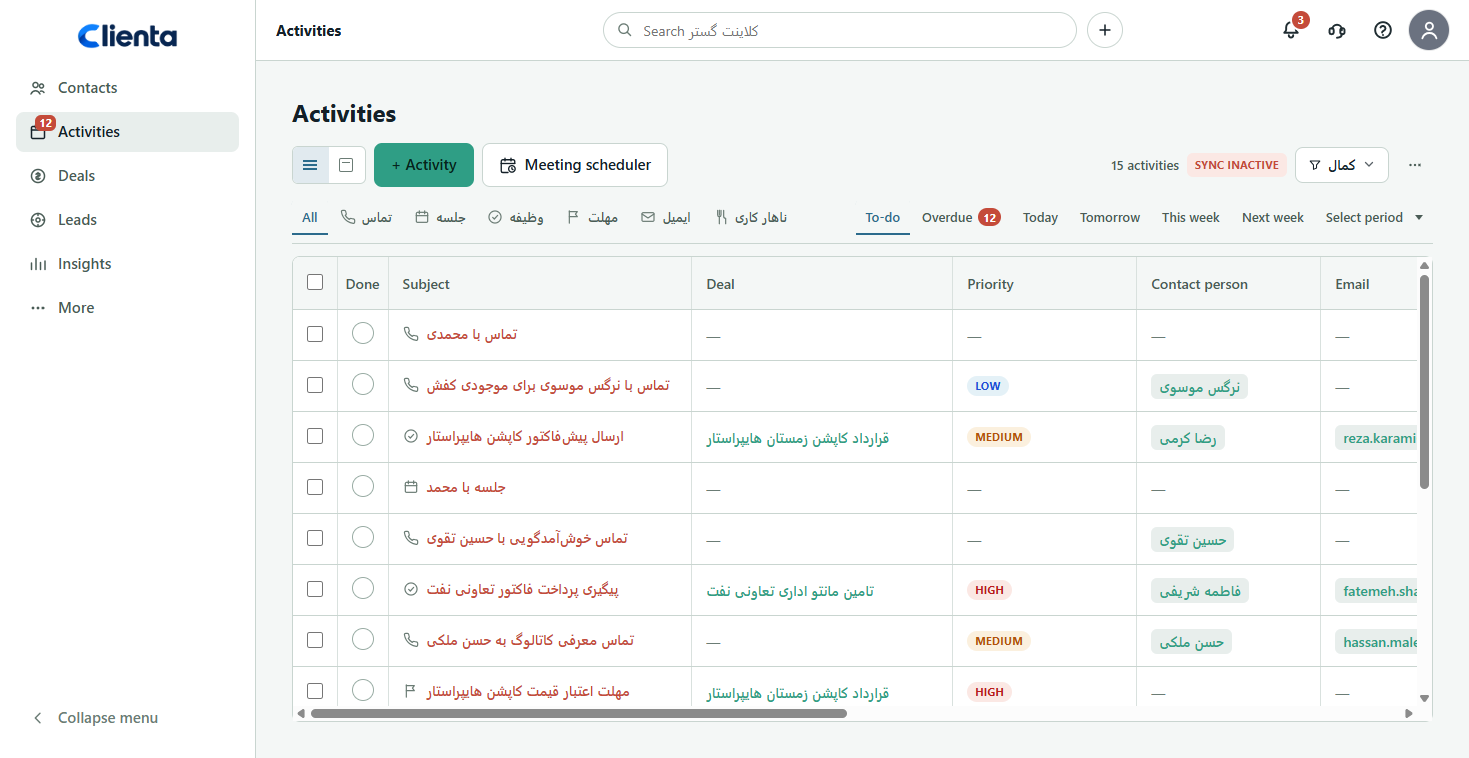
Without a shared pipeline, the sales meeting becomes verbal updates: “it’s going well.” With CRM every deal has value, owner, stage and next action. You see where the bottleneck is and which opportunities are genuinely close to revenue this month.
That clarity is the base of forecasting. A forecast is only trustworthy when it comes from live deals — not a rushed weekend spreadsheet.
- Total pipeline value and deal count by stage.
- Find the stage that drops the most opportunities.
- Coach stuck deals instead of only pushing a monthly number.
A 360° view of the customer
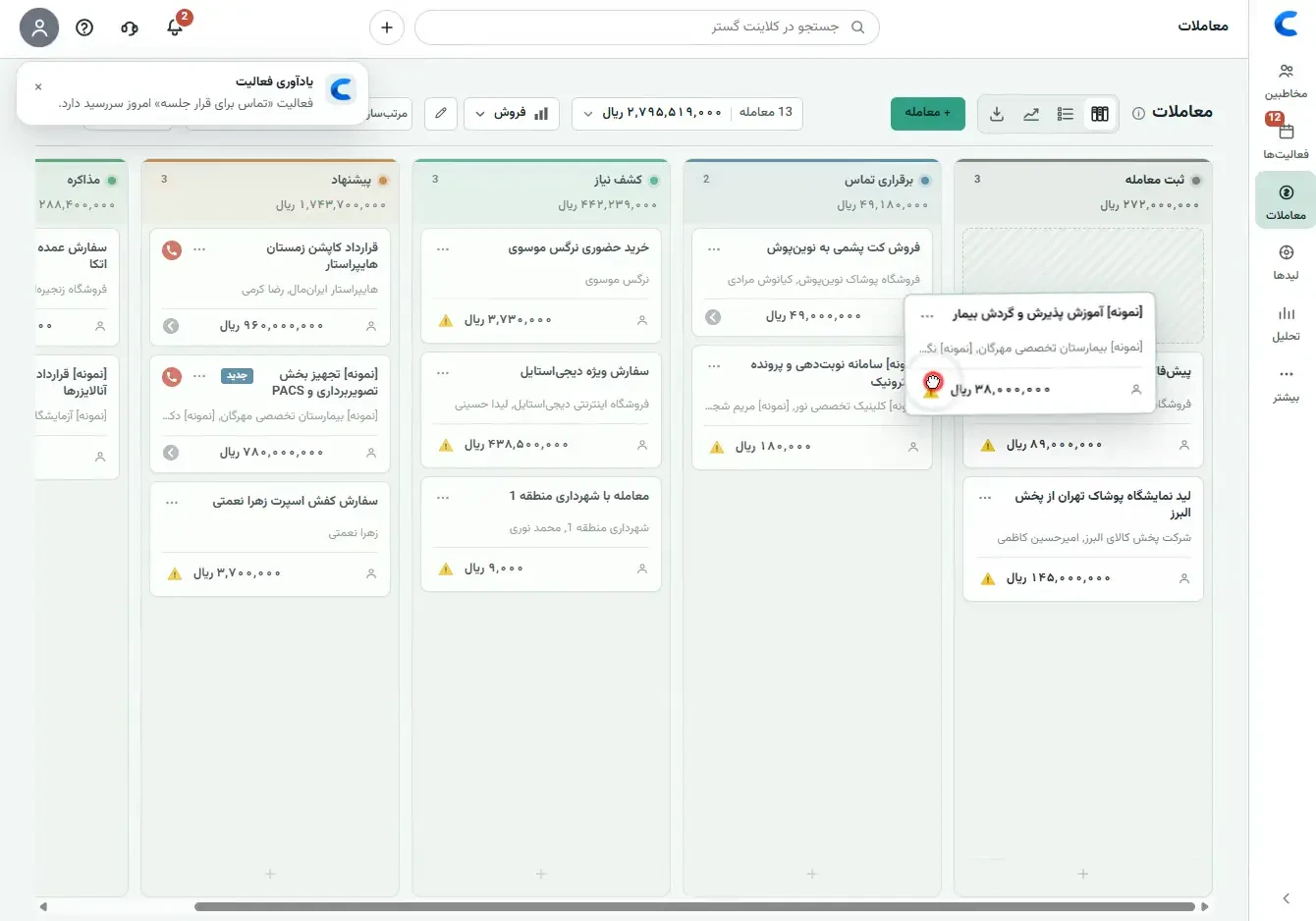
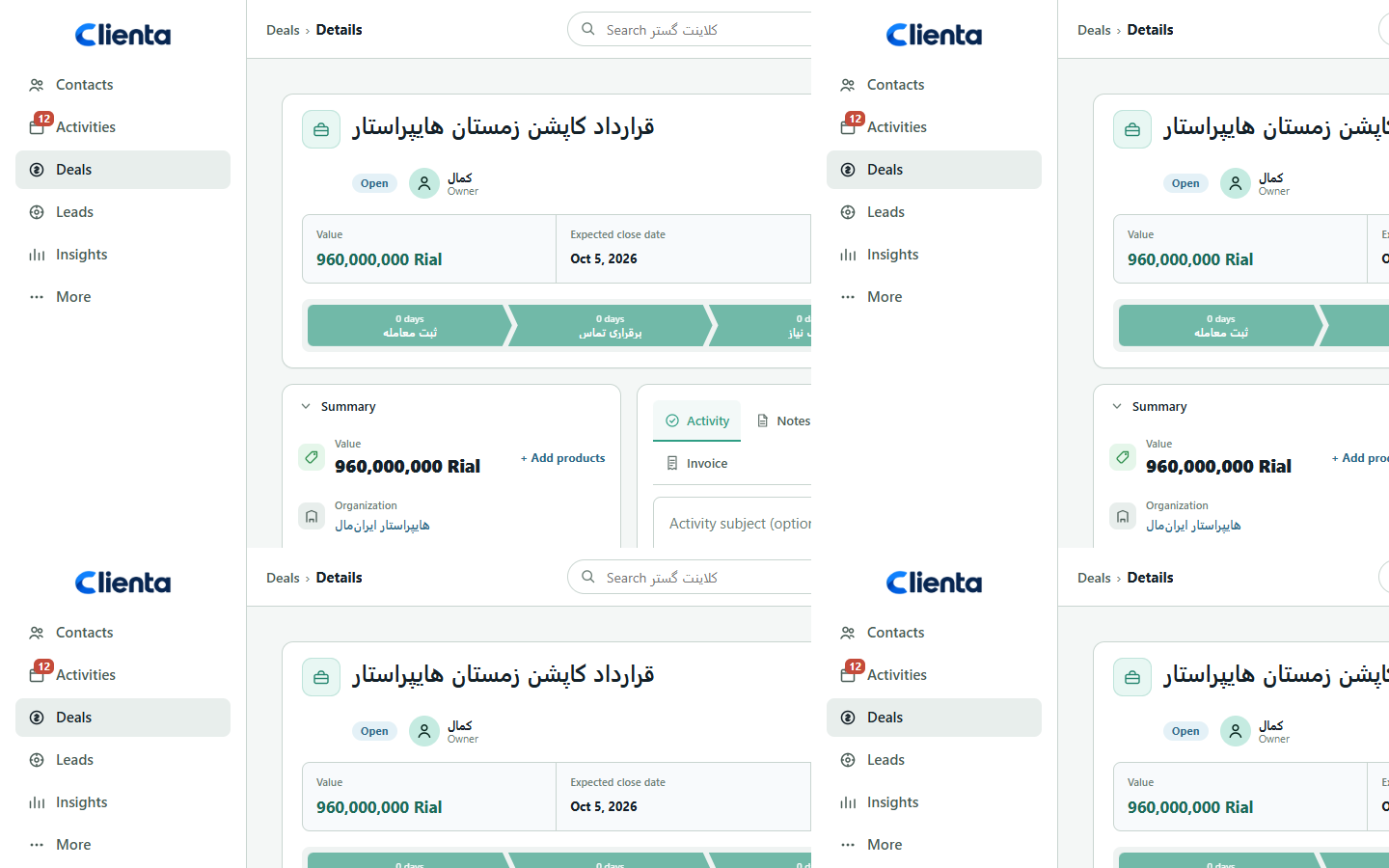
Sales, support and management should see one customer, not three stories. A single record means yesterday’s call, last week’s proposal, deal stage and next context sit together.
That view speeds answers and makes the experience consistent. Reps enter conversations as advisors, not as people who ask “what did you want again?” from scratch.
Team coordination and knowledge transfer
Without CRM two people can call the same lead — or nobody does. A shared pipeline makes owner and stage obvious. The sales meeting runs on a live board, not on memory.
A quieter benefit: onboarding new reps. Instead of months of “ask that person,” records, stages and history already live in the system. Sales knowledge stays a company asset.
- A clear owner for every lead and deal.
- Fewer duplicate calls and internal collisions.
- Faster handoff when someone is out or leaves.
Retention and after-sale growth
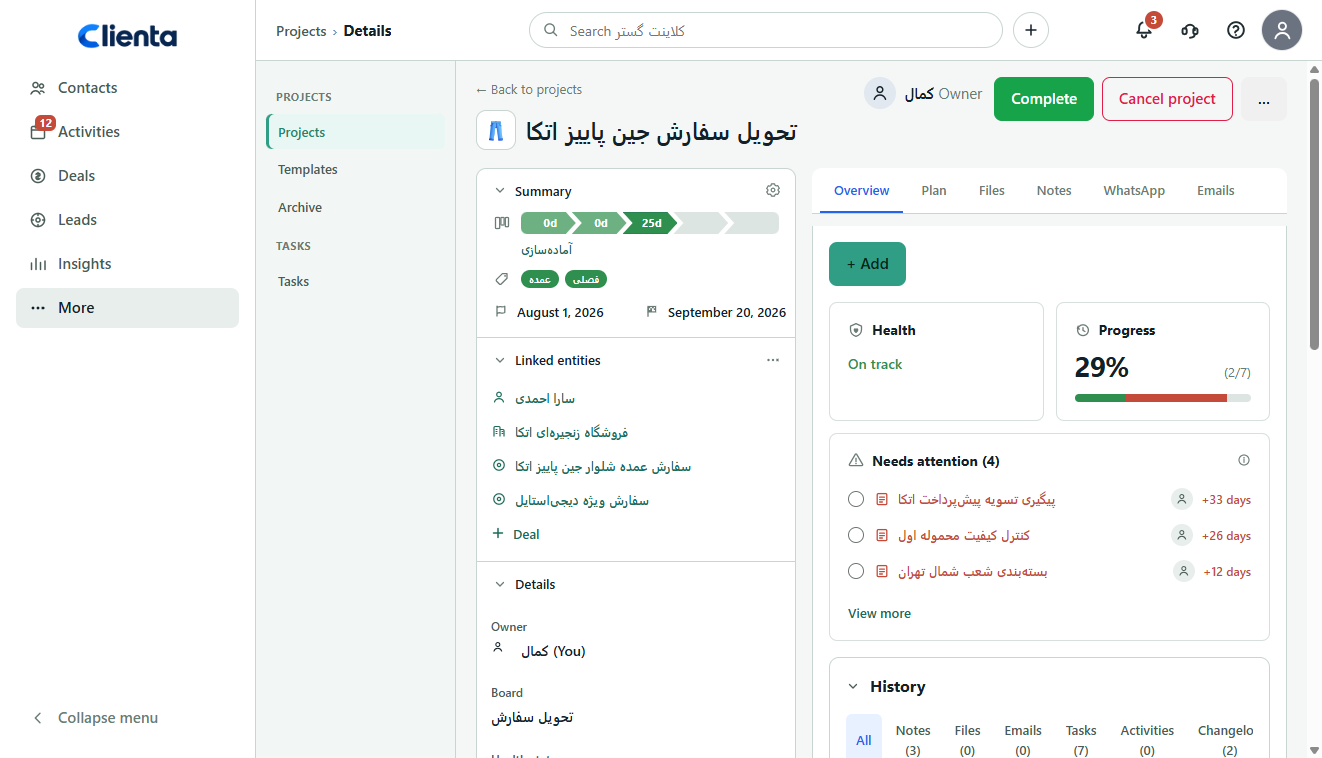
Winning a new customer usually costs more than keeping one you already have. CRM is not only for closing the first deal — renewals, upsell, delivery projects and satisfaction follow-up sit on the same record.
When service and sales share history, customers do not feel lost between teams. Simple signals — a contract nearing renewal, a deal with no recent contact — catch silent churn earlier.
- Purchase history and prior promises available before the next call.
- Upsell and cross-sell opportunities become visible.
- Post-sale work stays as a project or task, not a chat thread.
CRM benefits for marketing and lead sources
Marketing without sales feedback wastes budget. When every lead’s source is logged in CRM, you see which channel becomes revenue and which only fills forms.
That data makes the next campaign sharper: spend and messaging go to segments and sources that convert — not channels that only look busy.
- Tie acquisition cost to sales outcomes, not only lead volume.
- Prioritize warm leads for the sales team.
- Shrink the gap between “lead arrived” and “first call done”.
Decisions from data, not guesses
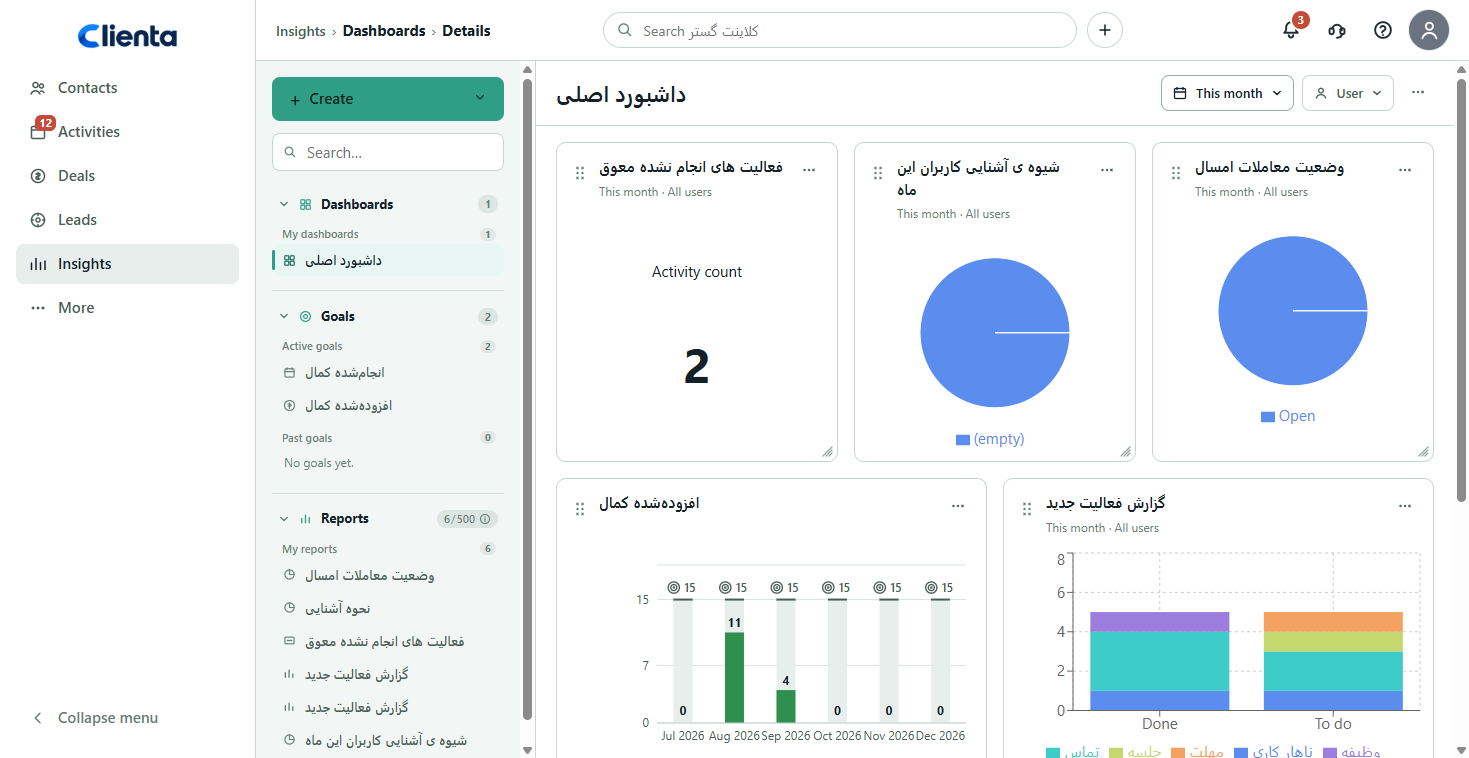
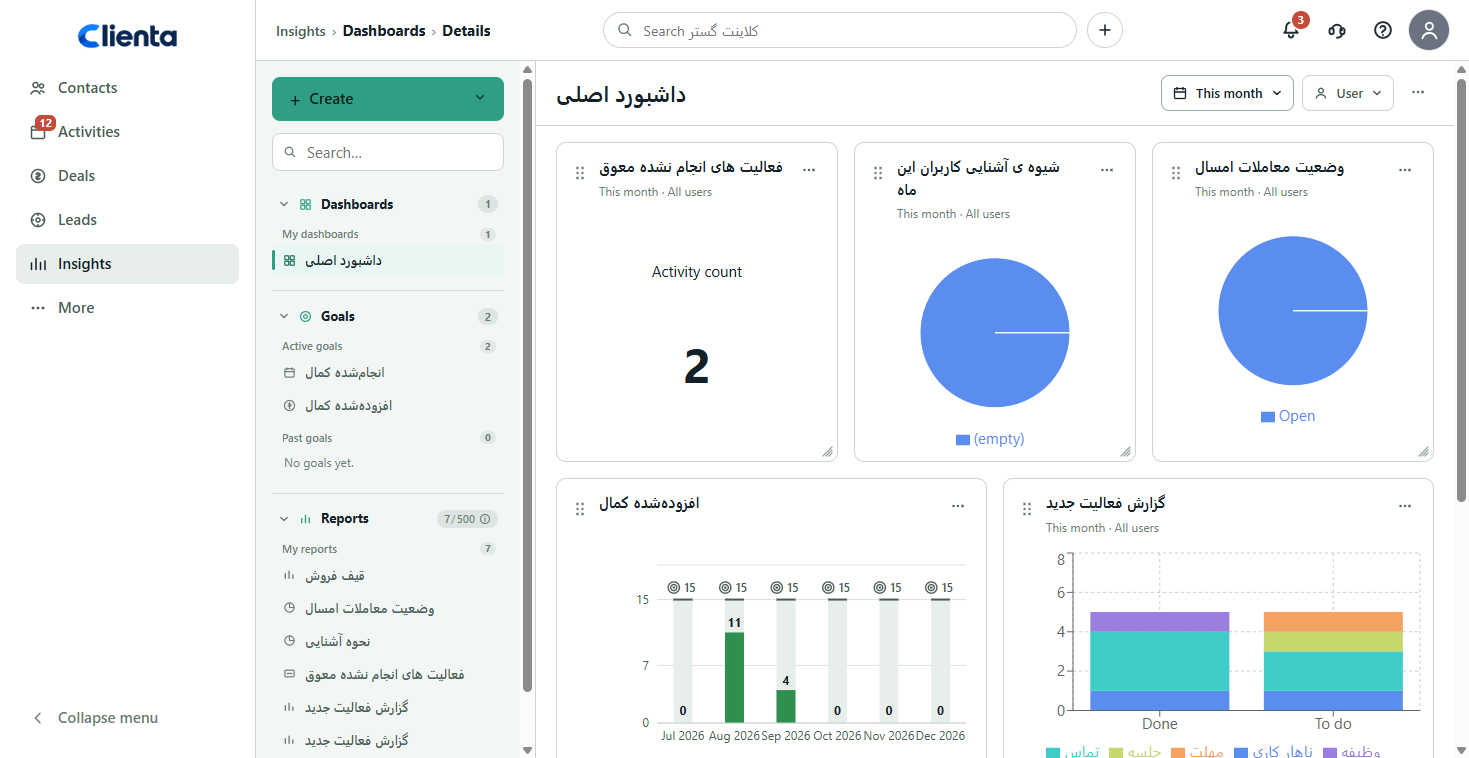
A sales report is only as good as daily logging. CRM shows stage conversion, which lead sources become deals, how long opportunities sit still and how much activity the team is doing.
Leaders use those numbers to coach, set targets and forecast. Reps see where to put energy in the pipeline — without a long meeting just to “collect status”.
- Which pipeline stage drops the most deals.
- Which lead source actually becomes revenue.
- Which reps complete follow-up.
- Whether this month’s target matches current pipeline value.
Less repetitive admin with automation
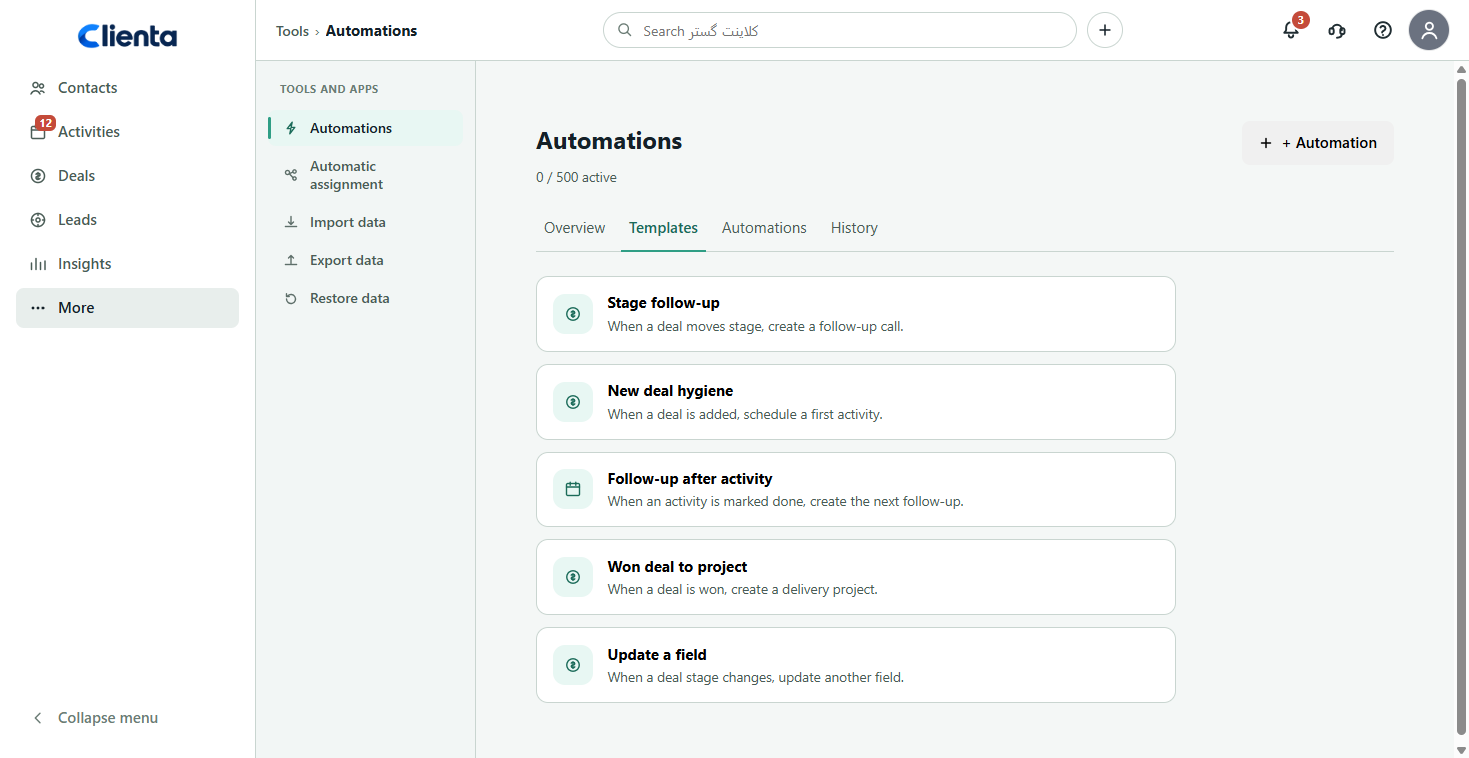
Logging the same fact in several places — spreadsheet, notebook, chat, calendar — burns selling time. CRM automation creates the next activity, sends reminders and cuts duplicate entry.
Saved time should go back to customer conversations, not extra forms. If automation only adds required fields, productivity falls. Simple rule: every automation should remove one tiring human step.
Mobile access and field selling
Part of selling happens away from the desk: on-site meetings, calls on the road, visits. If logging waits until someone is back at a computer, history stays incomplete and CRM benefits shrink by half.
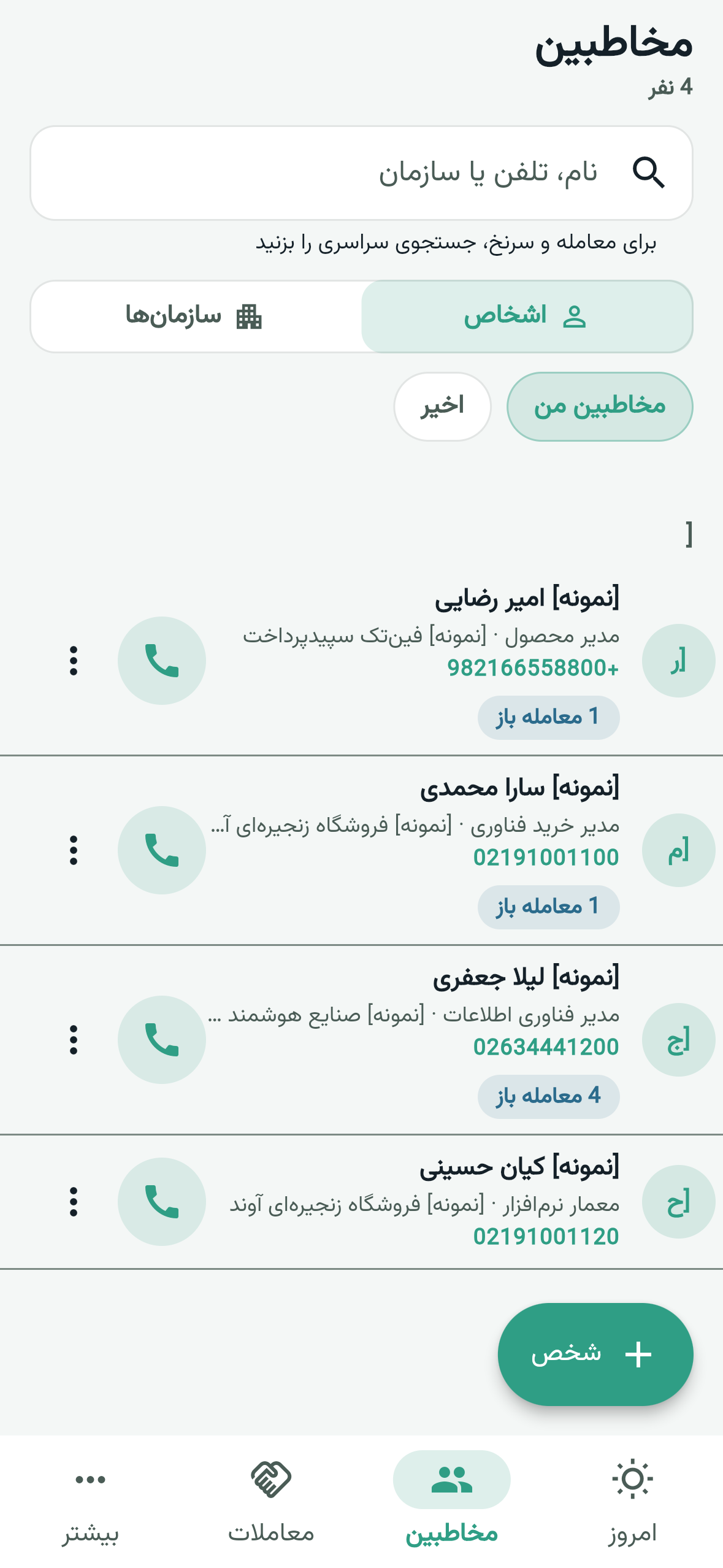
A mobile app means the same contacts, deals and activities are on the phone so call outcomes are logged immediately. For field sales, on-site service and traveling B2B teams, that benefit is essential.
CRM benefits by role
One product is not one screen for every role; the benefit depends on the daily question. If CRM only helps the manager’s report and makes reps slower, the team will dodge it and benefits never show.
- Manager: pipeline clarity, still deals, forecast and less dependence on verbal updates.
- Salesperson: today’s work list, context before a call, and promises that do not get lost.
- Marketing: which sources and messages actually become revenue.
- Service: purchase history and promises without making the customer repeat themselves.
- Small-business owner: less dependence on one salesperson and a simple view of open opportunities.
How to measure CRM ROI
CRM benefits are believable when you compare a few simple metrics before and after. You do not need a complex finance model — everyday sales metrics are enough.
Lock a baseline before rollout: win rate, sales-cycle length, percent of deals with no next step, time to first response on new leads, and forgotten follow-ups. After a few weeks of clean logging, read the same numbers again.
- Fewer opportunities without a next step.
- Shorter time to first contact on new leads.
- Better conversion on one or two key pipeline stages.
- Fewer hours spent building manual reports.
- Customer knowledge that survives staff changes.
When benefits do not appear
If CRM sits on an unclear process, it only records disorder faster. Too many required fields, a vague ten-stage pipeline, and forced reporting without a logging habit push teams back to spreadsheets.
Benefits arrive when the 90-day goal is clear, sales stages are short and real, and a simple rule holds: no active deal without a next step. Software is the tool; team habit is the engine.
How these benefits show up in Clienta
Clienta is built for teams that want these advantages without a heavy implementation project: sales pipeline, lead inbox, activities and reminders, follow-up automation, reporting and a mobile app — plus connections to Iranian accounting tools such as Sepidar and Hesabfa.
If you want to feel the benefits on your own data, a 14-day free trial is enough to try follow-up, pipeline and reporting in practice — not only in an article.